Next.js 16.4 Self Hosting and Cache Components: An Upgrade Checklist You Can Run Before Production

Next.js 16.4 made Cache Components the recommended path and switched them on by default for every new create-next-app project. Your existing app did not get that switch. That gap between what a fresh project does and what your upgraded project does is exactly where self hosted upgrades go wrong, and it is why the release thread filled up with migration and self hosting questions within hours.
TL;DR
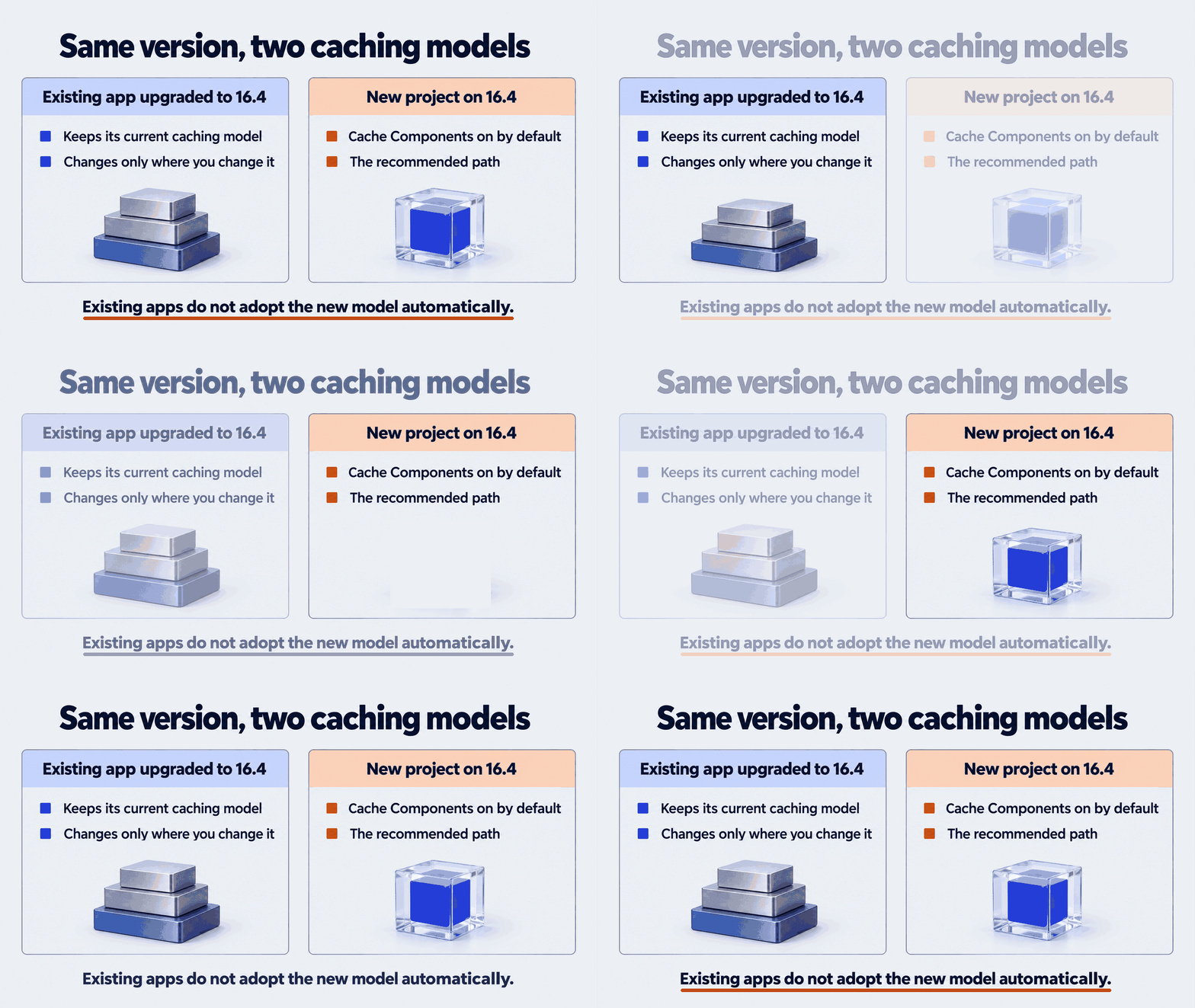
- New projects on 16.4 start with Cache Components on. Existing apps keep their current caching model until you change it, so upgrading the version and adopting the model are two separate jobs.
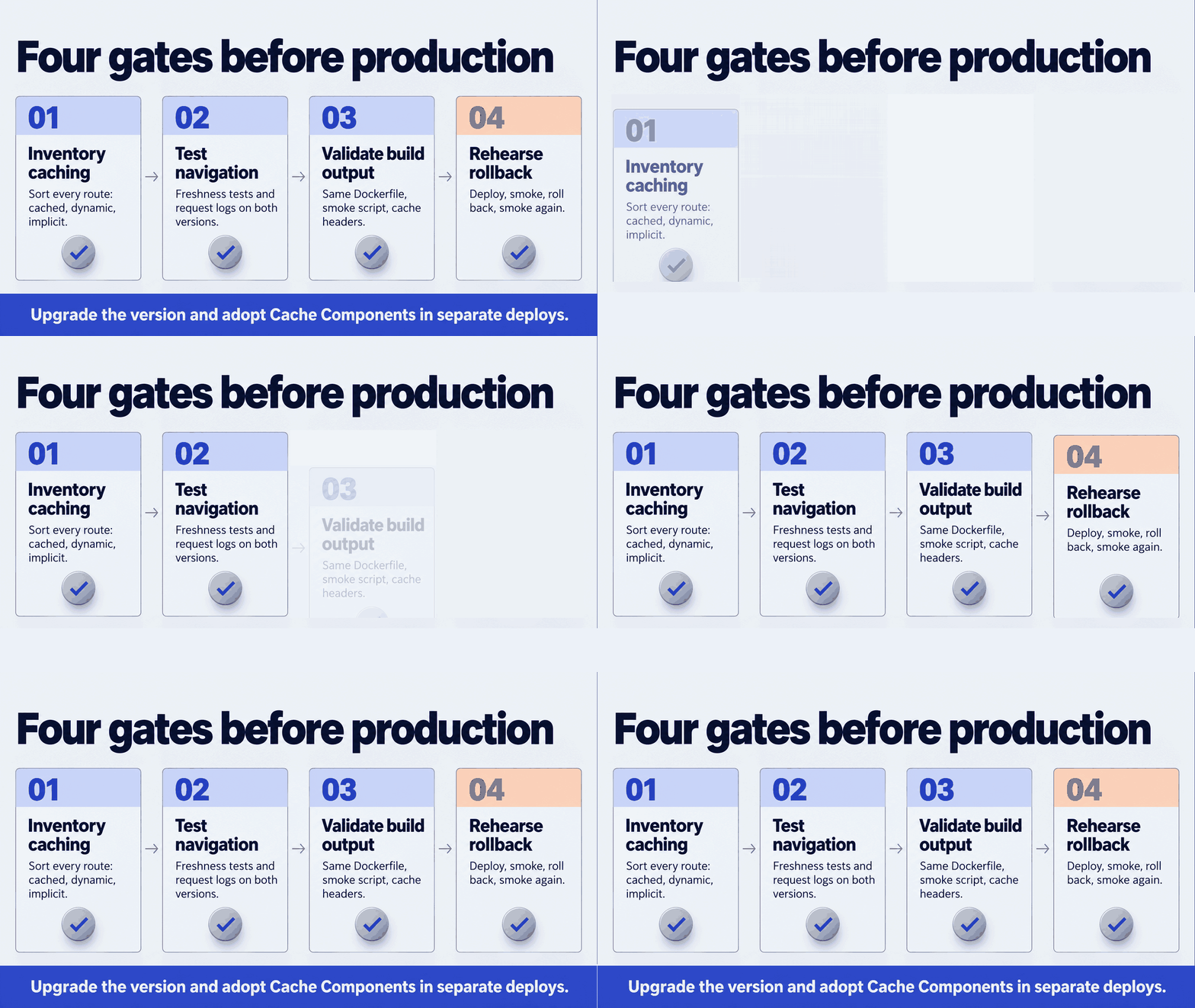
- Test four things before production: your caching assumptions, navigation and prefetch behavior, the self hosted build output, and a rollback you have actually rehearsed.
- One independent production upgrade reported about 5% less shipped JavaScript and a 1,555 page build dropping from 83.9s to 49.1s. Treat that as a reason to measure your own app, not as a promise.
This guide walks you through a nextjs 16.4 self hosting cache components checklist you can run in a staging environment in an afternoon. A quick way to get a clean reference point is to scaffold a fresh 16.4 project next to your real one and build something small in it, the way our step by step Next.js calculator build does. That throwaway app shows you the new defaults, so every difference you later see in your real app is one you can explain.
What changed in Next.js 16.4 self hosting and cache components
Three facts from the release and the first migration write ups shape everything below:
- Cache Components are the recommended path. The Next.js team now points new work at them, and new
create-next-appprojects enable them by default. - Existing applications do not adopt the new model automatically. Independent migration guidance is explicit here: review caching, navigation and configuration behavior yourself instead of assuming the upgrade did it.
- There is a new upgrade command. The release adds
next upgrade --agent. Whatever it changes in your repo, review its diff the way you would review any pull request.
So the honest answer to "what changed for my app?" is: the version changed, the defaults for new projects changed, and your app's behavior changed only where you change it. That is good news for a self hosted team, because it means you control the rollout. It is also a trap, because a teammate who reads the release post and starts a new route with the new defaults is now mixing two caching models in one codebase.
Inventory current caching assumptions
Before you change a single route, write down how your app caches today. Most teams cannot answer that from memory, because caching decisions live in dozens of files: a revalidate export here, a fetch option there, an unstable_cache wrapper someone added during an incident.
Run a small scanner over the repo and commit its output as a baseline. This one is plain Node with no dependencies:
// scripts/cache-inventory.mjs
import { readFileSync, readdirSync, statSync } from "node:fs";
import { join } from "node:path";

const patterns = {
  revalidateExport: /export\s+const\s+revalidate\s*=/,
  dynamicExport: /export\s+const\s+dynamic\s*=/,
  fetchCacheOption: /fetch\([^)]*cache\s*:/s,
  fetchNextRevalidate: /next\s*:\s*\{\s*revalidate/,
  unstableCache: /unstable_cache\(/,
  useCacheDirective: /["']use cache["']/,
};

function walk(dir, out = []) {
  for (const name of readdirSync(dir)) {
    if (name === "node_modules" || name.startsWith(".")) continue;
    const full = join(dir, name);
    if (statSync(full).isDirectory()) walk(full, out);
    else if (/\.(tsx?|jsx?|mjs)$/.test(name)) out.push(full);
  }
  return out;
}

const rows = [];
for (const file of walk("app")) {
  const src = readFileSync(file, "utf8");
  const hits = Object.entries(patterns)
    .filter(([, re]) => re.test(src))
    .map(([key]) => key);
  if (hits.length) rows.push({ file, hits: hits.join(",") });
}

console.table(rows);
console.log(`${rows.length} files carry an explicit caching decision`);
Run it with node scripts/cache-inventory.mjs > cache-baseline.txt and keep the file in the upgrade branch. Now every route falls into one of three buckets:
- Explicitly cached (a revalidate export, a fetch option, a cache wrapper). These are the routes most likely to behave differently once someone moves them to Cache Components.
- Explicitly dynamic (a
dynamicexport or per request data). Confirm they stay dynamic. - Implicit (no caching code at all). These are the dangerous ones, because their behavior depends entirely on framework defaults.
Write the bucket next to each route in the baseline file. You will use it in every later step.
Test navigation and prefetch behavior
Caching bugs rarely show up as errors. They show up as a user who saves a form, navigates back, and sees the old value. So test the journeys, not the pages.
Pick the five or six flows where stale data would hurt: checkout, account settings, a dashboard that shows money or quotas, anything with a mutation followed by a navigation. Then record what the browser actually requests on your current version and on the 16.4 candidate, and compare. A Playwright test makes that repeatable:
// tests/navigation-freshness.spec.ts
import { test, expect } from "@playwright/test";

test("saved profile name is fresh after navigating back", async ({ page }) => {
  const requests: string[] = [];
  page.on("request", (req) => requests.push(`${req.method()} ${req.url()}`));

  await page.goto("/settings/profile");
  await page.getByLabel("Display name").fill("Ayesha Upgrade Test");
  await page.getByRole("button", { name: "Save" }).click();
  await expect(page.getByText("Saved")).toBeVisible();

  await page.getByRole("link", { name: "Dashboard" }).click();
  await page.getByRole("link", { name: "Settings" }).click();

  await expect(page.getByLabel("Display name")).toHaveValue("Ayesha Upgrade Test");

  // Keep the request log so you can diff it between versions.
  await test.info().attach("requests", { body: requests.join("\n") });
});
Run the suite against both builds and diff the attached request logs. You are looking for three things: a request that disappeared (something is now served from a cache you did not expect), a request that appeared (prefetching more than before, which matters if those routes are expensive), and any assertion that flips from pass to fail. Each of those goes into the matrix with the route's bucket from the inventory.
Validate self hosting and build output
On a managed platform, someone else checks that the build output runs. When you self host, that someone is you. This is the part of the nextjs 16.4 self hosting cache components production story that the release notes cannot test for you, because it depends on your container, your proxy and your disk.
Build the candidate exactly the way production builds it. If you ship the standalone output in a container, that means the same Dockerfile, not a local next start:
# Dockerfile (candidate build, same as production)
FROM node:22-alpine AS build
WORKDIR /app
COPY package.json package-lock.json ./
RUN npm ci
COPY . .
RUN npm run build

FROM node:22-alpine AS run
WORKDIR /app
ENV NODE_ENV=production
COPY --from=build /app/.next/standalone ./
COPY --from=build /app/.next/static ./.next/static
COPY --from=build /app/public ./public
EXPOSE 3000
CMD ["node", "server.js"]
Then run a smoke script against the staging container. It checks status codes and prints every cache related response header, so you can compare them with the current production build line by line:
#!/usr/bin/env bash
# scripts/smoke.sh  usage: ./scripts/smoke.sh https://staging.example.com
set -euo pipefail
BASE="$1"
for path in / /pricing /dashboard /api/health; do
  code=$(curl -s -o /dev/null -w "%{http_code}" "$BASE$path")
  echo "== $path  status $code"
  curl -s -D - -o /dev/null "$BASE$path" | grep -i -E "cache|age|vary" || true
done
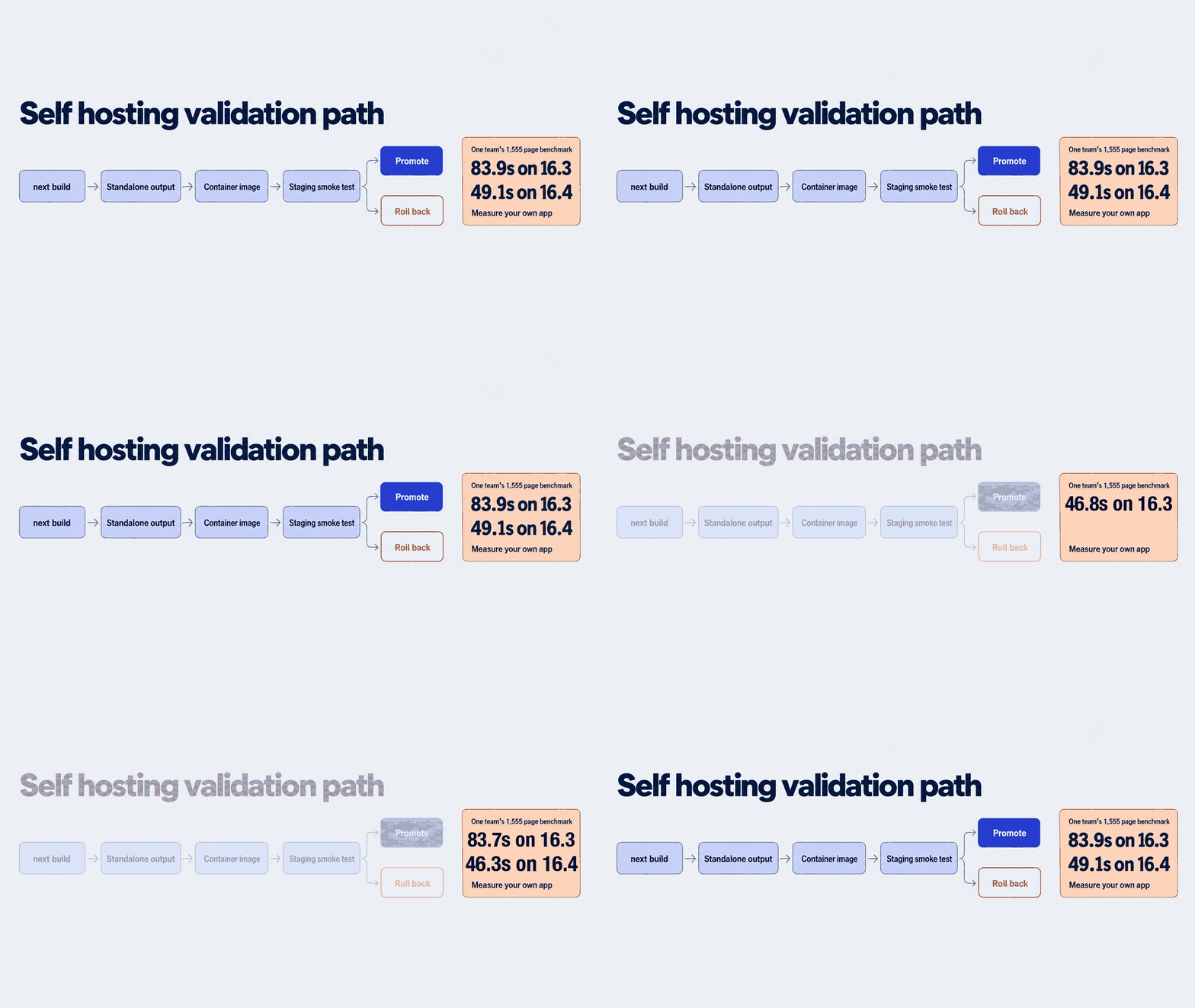
While you are there, time the build. The independent write up that tested a 1,555 page site measured total build time falling from 83.9s on 16.3 to 49.1s on 16.4, and the same team saw roughly 5% less shipped JavaScript. Your numbers will differ. Record build time, image size and first load JavaScript for both versions in the matrix, because a regression in any of them is a reason to stop.
Run a rollback ready upgrade
An upgrade is only safe if going back is boring. Before the candidate touches production, prove you can return to the previous build in one command:
#!/usr/bin/env bash
# scripts/rollback.sh  keeps the last known good image one command away
set -euo pipefail
PREVIOUS_TAG="$(cat .deploy/last-good-tag)"
docker pull "registry.example.com/web:${PREVIOUS_TAG}"
docker service update --image "registry.example.com/web:${PREVIOUS_TAG}" web
echo "Rolled back to ${PREVIOUS_TAG}"
Rehearse it in staging: deploy the 16.4 image, run the smoke script, roll back, run the smoke script again. If the rehearsal takes longer than a coffee, fix that first.
Two more rules keep the rollout calm:
- Upgrade the version and adopt Cache Components in separate deploys. The first deploy should change nothing a user can see. Only then move routes to the new model, one bucket at a time, starting with explicitly cached routes that have good test coverage.
- Keep the request logs and the smoke output from every deploy. When someone reports stale data a week later, you want evidence, not memory.
The checklist (save this)
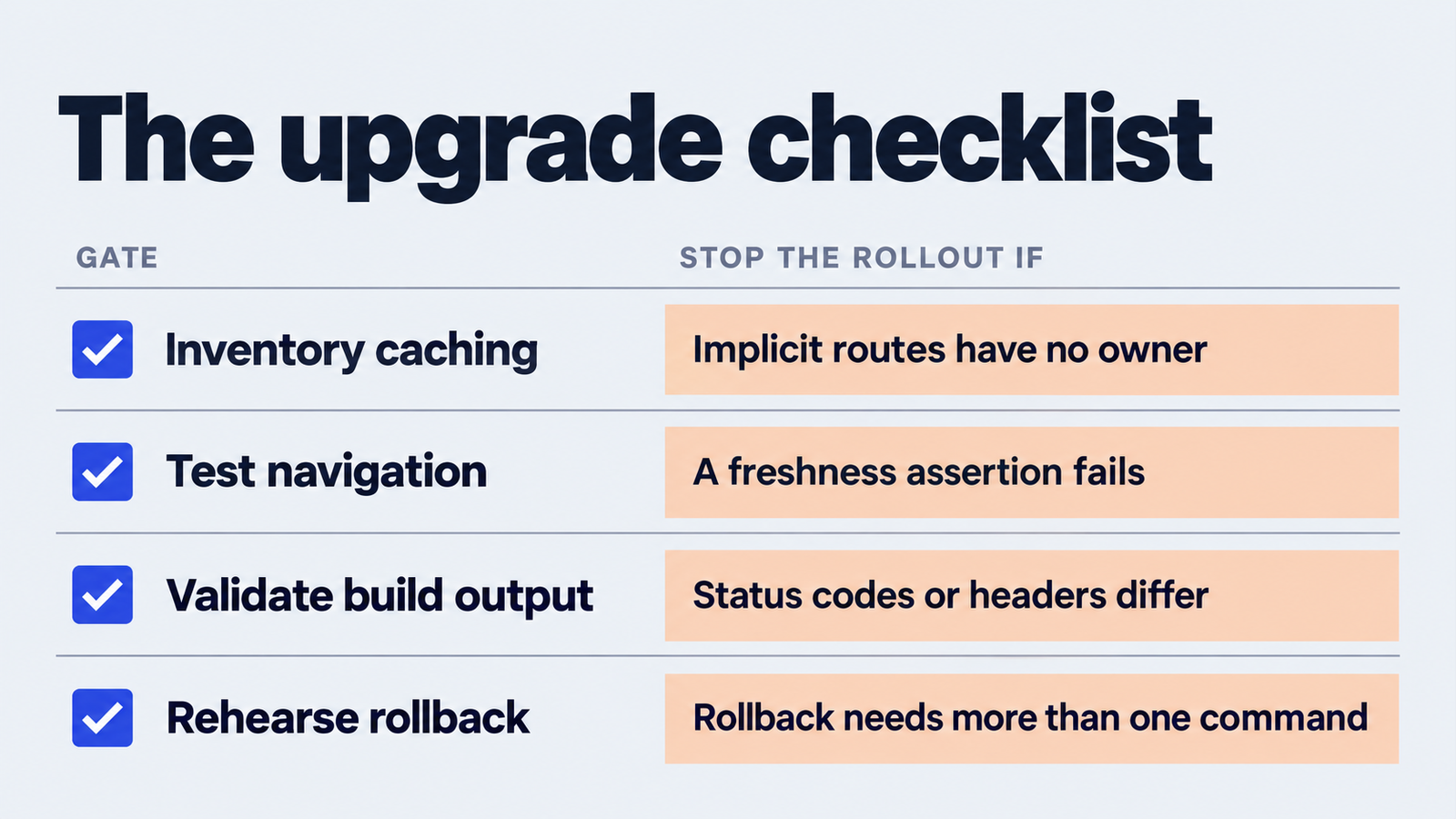
| Gate | What you check | Stop the rollout if |
|---|---|---|
| Inventory caching | Every route sorted into cached, dynamic or implicit | Implicit routes have no owner |
| Test navigation | Request logs and freshness tests on both versions | A freshness assertion fails or requests change unexplained |
| Validate build output | Same Dockerfile, smoke script, cache headers, build time | Status codes or headers differ without a reason |
| Rehearse rollback | Deploy, smoke, roll back, smoke again in staging | Rollback needs more than one command |
My take
I think the safest reading of 16.4 is the boring one: upgrade the version this sprint, adopt the new caching model next sprint. The release is clearly pushing everyone toward Cache Components, and for new projects I would just take the default. For an app that already carries years of caching decisions, the risk is not the framework. The risk is a codebase where half the routes follow the old rules and half follow the new ones, and nobody wrote down which is which. The inventory step fixes that, and it costs one script.
FAQ
What changed in nextjs 16.4 self hosting cache components? Next.js 16.4 makes Cache Components the recommended path and enables them by default for new create-next-app projects. It also adds next upgrade --agent. Existing applications keep their current caching model until you change it, so self hosted teams should test caching, navigation and build output explicitly.
How should teams adopt nextjs 16.4 self hosting cache components? In two steps. First upgrade the version with no behavior changes and verify it with freshness tests, a smoke script against the real container and a rehearsed rollback. Then move routes to Cache Components one group at a time, starting with explicitly cached routes that have test coverage.
Do existing apps get Cache Components automatically after upgrading? No. Migration guidance for 16.4 says existing applications do not adopt the new caching model automatically, which is why the inventory step comes first.
Related reading: Next.js App Router caching: what actually gets cached and React Server Components and AI streaming patterns that work.
If you are planning a Next.js upgrade for a product with AI features and want a second pair of eyes on the caching and self hosting plan, see how I work on Next.js for AI products.
Comments
Join the discussionThe rollback rehearsal is the gate I would not skip. Deploying, smoking, rolling back, and smoking again in staging is what makes a version upgrade boring in production.