GitHub Apps Enterprise Installation: Migrating Automation from PATs to Scoped Permissions
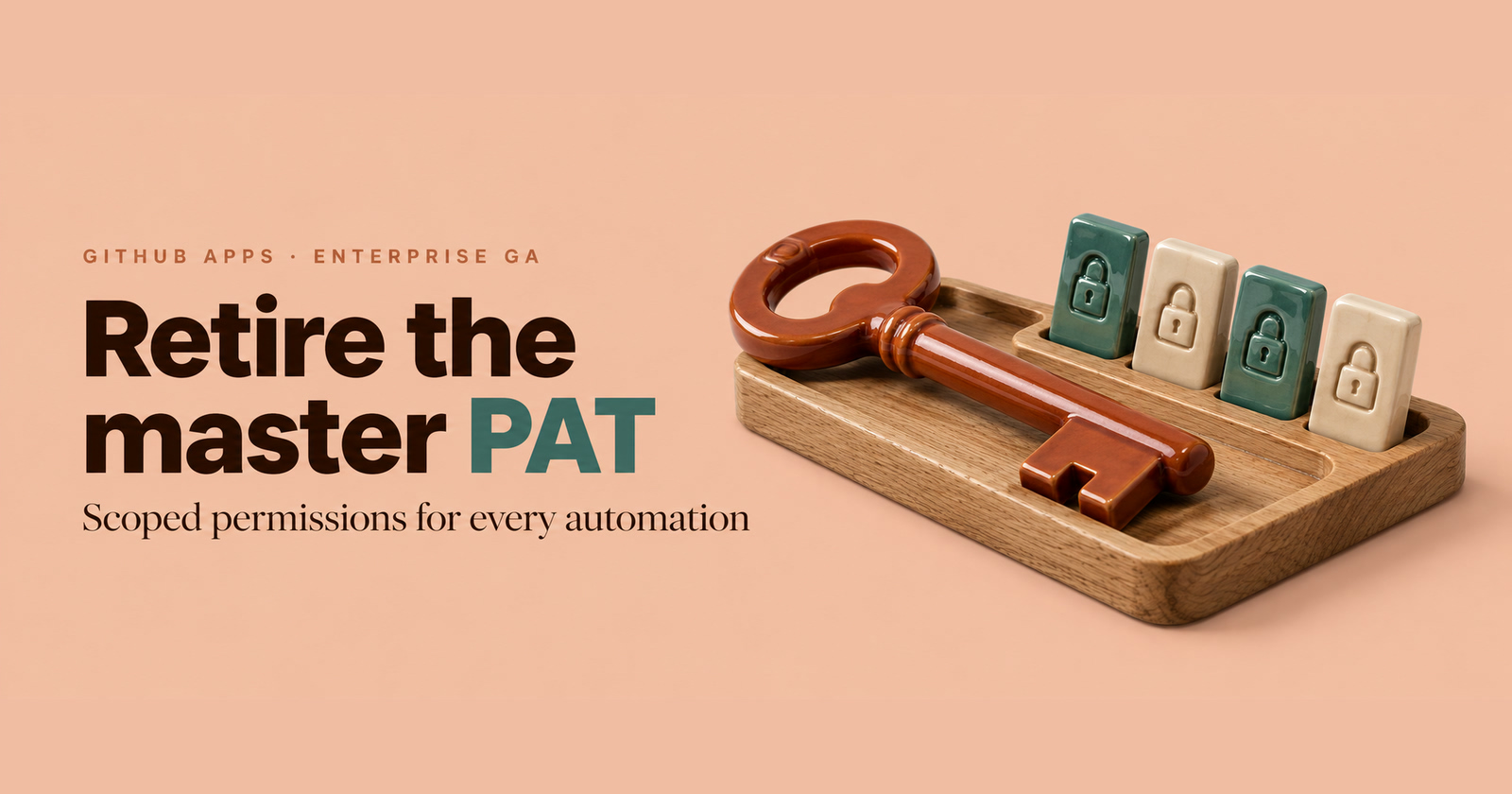
GitHub just made enterprise installations for GitHub Apps generally available, with permission surfaces that now reach governance, security and enterprise administration, and support noted for GHES 3.24. If your release scripts, audit exports and triage bots still run on a personal access token that belongs to whoever set them up, this is the moment to move them. A GitHub Apps enterprise installation gives each automation its own identity and only the permissions you grant it, instead of everything one person can reach.
TL;DR
- GitHub Apps can now be installed at the enterprise level with expanded permissions for governance, security and enterprise administration. GHES support is noted for version 3.24.
- A PAT is a person's power lent to a script. An installation is an app identity with a permission list you wrote. Migrate one workflow at a time and map each to the smallest permission set.
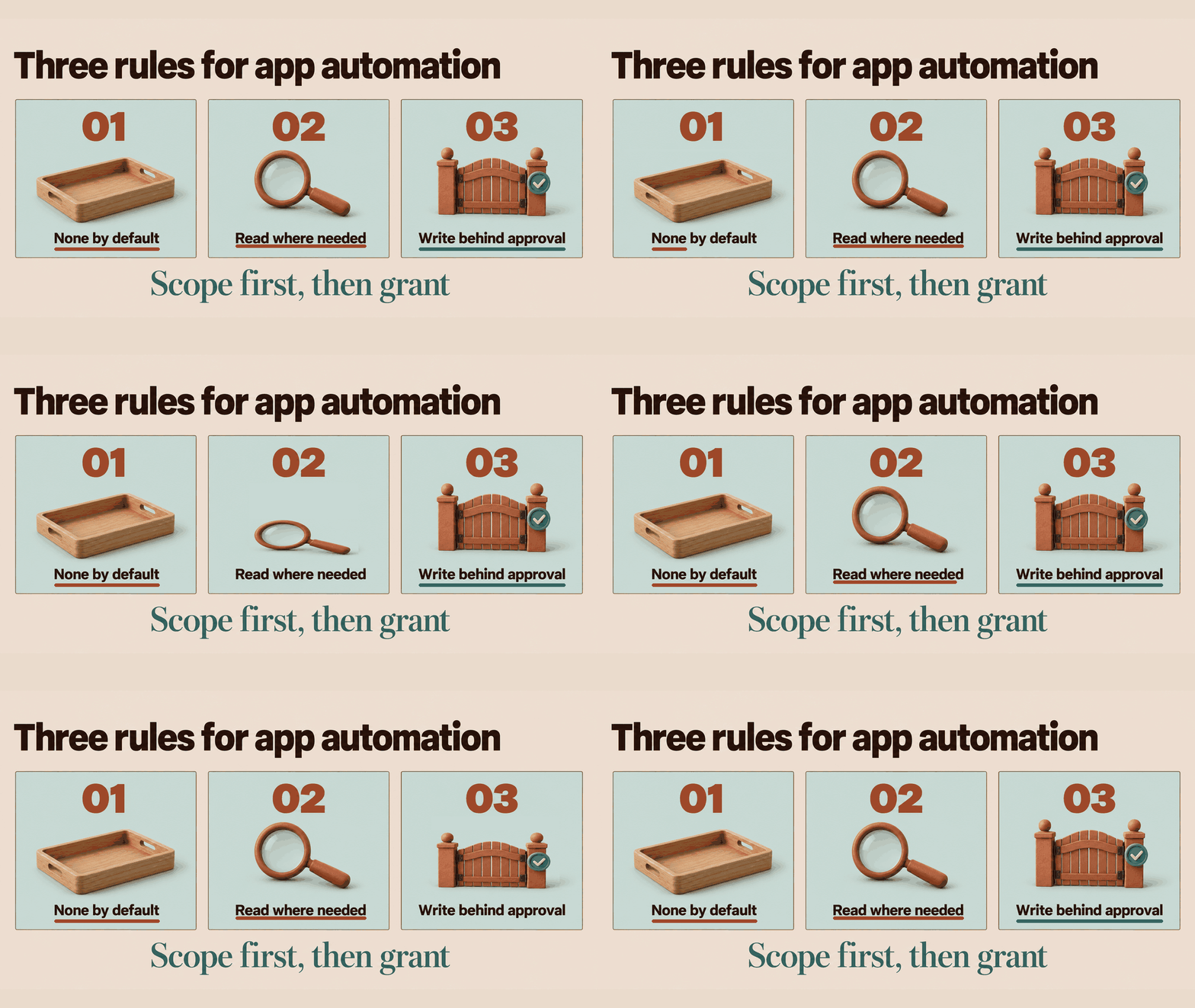
- RFC 9700 and OWASP LLM06 point the same way: narrow scopes, short lived credentials, and a human approval for high impact actions, especially when an AI agent holds the token.
By the end of this guide you will have a workflow to permission map, a working installation token example in TypeScript, and a rollout and rollback checklist you can run this sprint. If your automations are part of a bigger pipeline, my guide to building production AI agent workflow automation covers the orchestration side; this article stays on credentials.
Enterprise API expansion: a GitHub Apps enterprise installation guide
Until now, a lot of enterprise automation had a quiet dependency on a human account. An enterprise admin created a classic PAT with broad scopes, pasted it into a secret store, and every script that needed enterprise data used it. When that admin changed teams, someone discovered the dependency the hard way.
The GitHub changelog entry changes the default option. Three facts matter for your migration:
- Enterprise installations are GA. You install the app once at the enterprise level instead of chasing every organization.
- The permission surface grew. GitHub describes expanded permissions across governance, security and enterprise administration, the areas where PATs used to be the only practical choice.
- GHES is covered. Support is noted for GitHub Enterprise Server 3.24, so self hosted teams can plan the same move once they upgrade.
What the announcement does not do is pick permissions for you. An app with every permission ticked is a PAT with a nicer name. The real work is the mapping in the next section.
Map workflows to app permissions
Start with an inventory. List every automation that authenticates to GitHub, the token it uses, and the actions it actually performs. Not the scopes the token has, the calls the code makes. In my experience the gap between those two lists is where the risk lives: a token with admin scope that only ever reads issues.
Then give each workflow its own row and its own smallest permission set:
| Workflow | What it really does | App permission | Access |
|---|---|---|---|
| Release tagger | Creates tags and releases in 1 repo | Contents | Write, one repo |
| Triage bot | Labels and comments on issues | Issues | Write |
| Security report | Reads code scanning alerts | Code scanning alerts | Read |
| Org audit export | Reads org settings for compliance | Administration | Read |
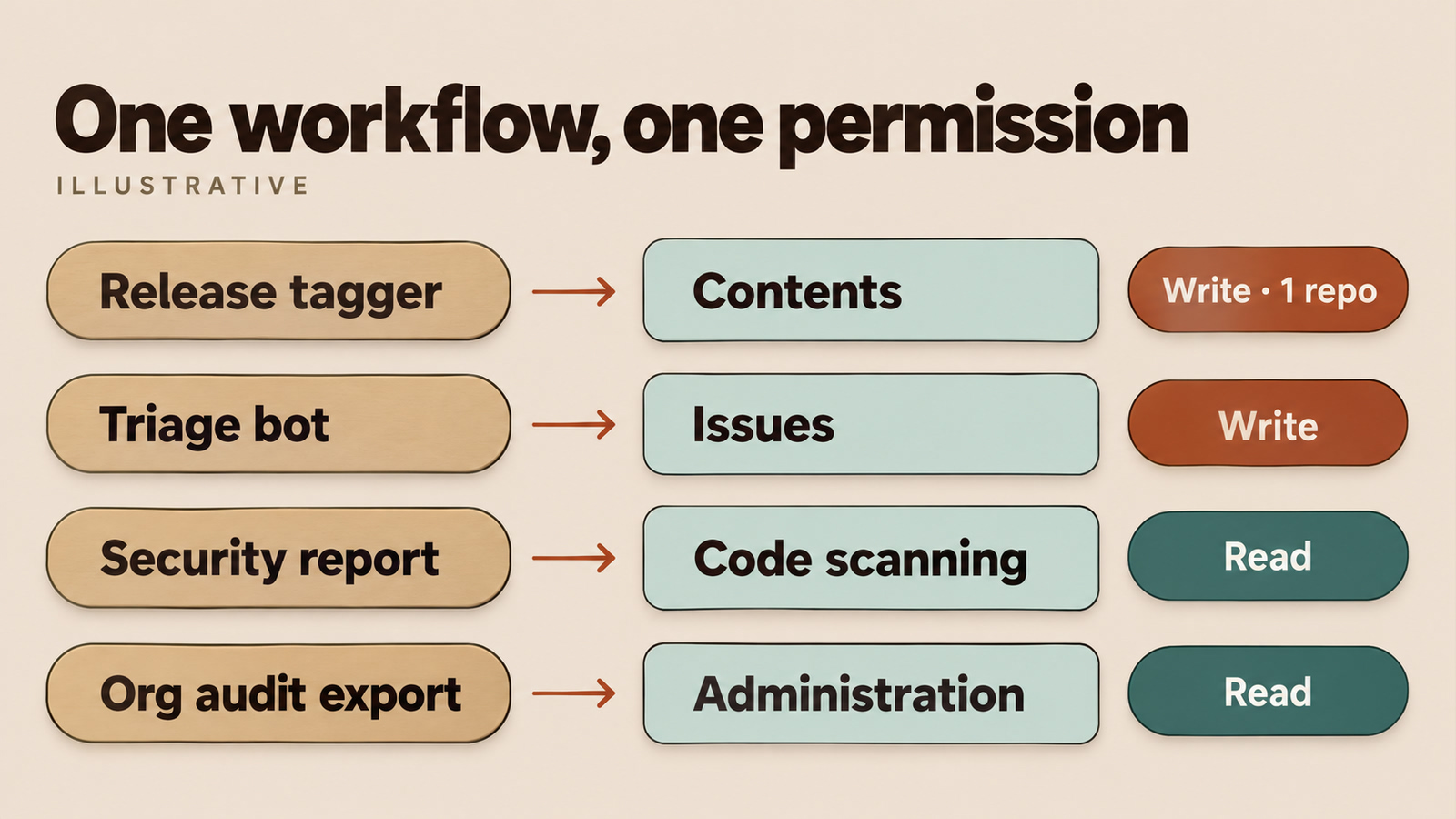
Two rules keep this map honest. First, split apps by blast radius, not by team: a read only reporting app and a write capable release app should be separate apps, even if one team owns both. Second, restrict repository access on the installation itself. A release tagger that can write to one repo cannot damage any other repo in the enterprise.
Here is a small script that turns your inventory file into a review list, so nobody approves an app without seeing what it can do:
// scripts/permission-review.ts
type Access = "read" | "write";
interface WorkflowRow {
  workflow: string;
  permissions: Record<string, Access>;
  repos: string[] | "all";
}

const inventory: WorkflowRow[] = [
  { workflow: "release-tagger", permissions: { contents: "write" }, repos: ["platform/api"] },
  { workflow: "triage-bot", permissions: { issues: "write" }, repos: "all" },
  { workflow: "security-report", permissions: { security_events: "read" }, repos: "all" },
];

for (const row of inventory) {
  const writes = Object.entries(row.permissions).filter(([, a]) => a === "write");
  const wide = row.repos === "all" && writes.length > 0;
  console.log(`${row.workflow}: ${writes.length} write permission(s)${wide ? " on ALL repos, review" : ""}`);
}
Compare PATs and installation identity: best practices
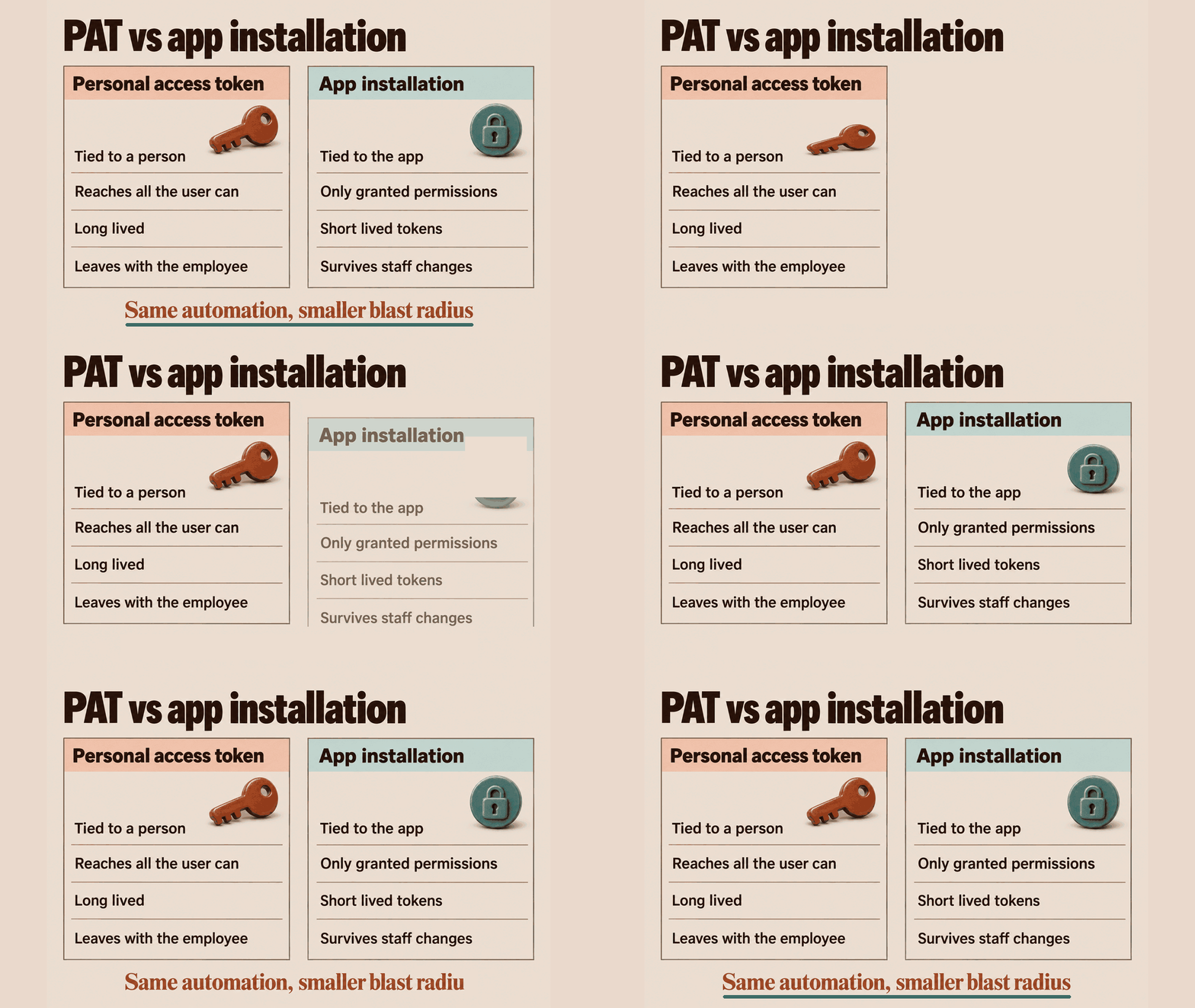
The difference is not cosmetic. It changes who the credential belongs to and how long it lives.
| Question | Personal access token | App installation |
|---|---|---|
| Who is the actor? | A person | The app |
| What can it reach? | Whatever that user can reach | Only the granted permissions and repos |
| How long does a token live? | Until it expires or is revoked | Short lived, minted on demand |
| What happens when the owner leaves? | Automation breaks or keeps hidden power | Nothing, the app stays |
| What does the audit log show? | The user's name | The app's name |
The best practices that fall out of this table are simple. Keep the app's private key in your secret manager, never in a repo. Mint an installation token at the start of each job instead of caching one. And name each app after its job, so an audit log line reads like a sentence.
Minting a token in a Node job looks like this with Octokit:
// lib/github-app.ts
import { App } from "octokit";

const app = new App({
  appId: process.env.GH_APP_ID!,
  privateKey: process.env.GH_APP_PRIVATE_KEY!,
});

export async function releaseClient(installationId: number) {
  // Each call mints a fresh, short lived installation token
  return app.getInstallationOctokit(installationId);
}

const gh = await releaseClient(Number(process.env.GH_INSTALLATION_ID));
await gh.rest.git.createRef({
  owner: "platform",
  repo: "api",
  ref: "refs/tags/v4.12.0",
  sha: process.env.RELEASE_SHA!,
});
Notice what is missing: no user, no long lived secret in the job, no scope wider than the release repo.
OAuth and least privilege principles in your implementation
GitHub Apps sit on OAuth ideas, and the current security guidance is worth reading before you design scopes. IETF RFC 9700 is a Best Current Practice that updates OAuth 2.0 security guidance and the older RFCs 6749, 6750 and 6819. Its direction is consistent: restrict privileges to the minimum, keep tokens short lived, and limit where a token can be used.
The same logic applies with more force when an AI agent holds the credential. OWASP's LLM06 Excessive Agency entry recommends granting agents the narrowest tool and downstream permissions and requiring approval for high impact actions. An agent that can open pull requests should not also be able to change branch protection. If you are wiring a coding agent into GitHub, my AI agent security and prompt injection defense guide shows why a scoped token limits the damage of a hijacked prompt but never prevents it.
In practice, an implementation that follows both looks like this:
// lib/approval-gate.ts
const HIGH_IMPACT = new Set(["administration:write", "members:write", "actions:write"]);

export function requiresApproval(permission: string, actor: "human" | "agent") {
  return actor === "agent" && HIGH_IMPACT.has(permission);
}

// in the agent tool handler
if (requiresApproval("administration:write", "agent")) {
  throw new Error("Needs a human approval ticket before this call");
}
Rollout/rollback checklist
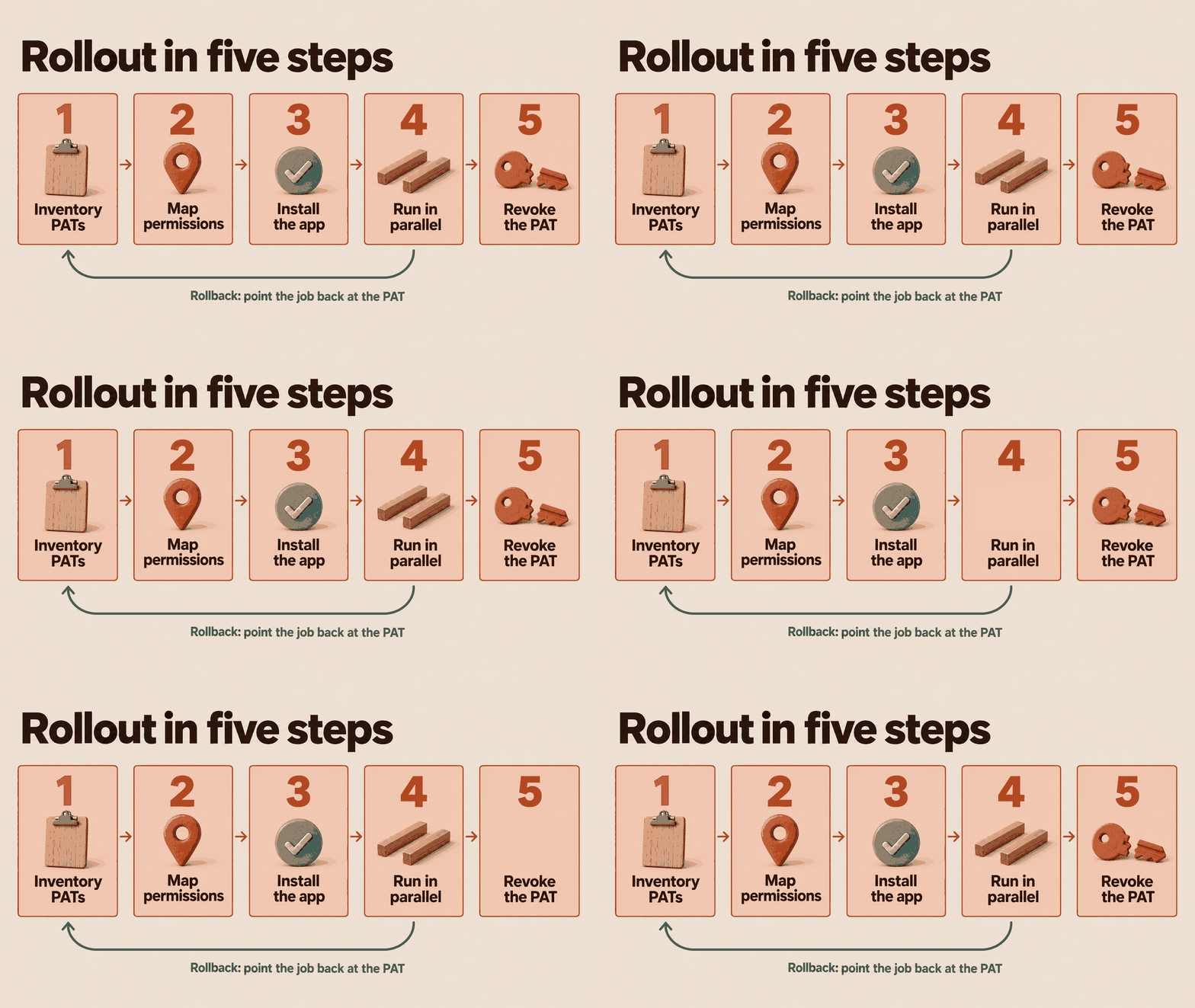
Migrate one workflow per change, never the whole estate at once. For each one:
- Inventory. Record the PAT, its owner, its scopes and the API calls the workflow makes.
- Map. Write the smallest permission set and the exact repos for this workflow.
- Install. Create the app, install it at the enterprise or org level, restrict repository access.
- Run in parallel. Switch the job to the app token, keep the PAT valid but unused, and watch the audit log for the app's name.
- Revoke. After a clean week of runs, revoke the PAT and delete its secret.
Rollback stays cheap as long as step 4 exists: point the job back at the PAT secret and redeploy. Once you revoke, rollback means minting a new PAT, which is exactly the habit you are trying to break, so do not skip the parallel run.
Use an app installation when a workflow runs unattended, touches more than one repo, or outlives the person who wrote it. A fine grained PAT is still fine when you run a personal script against your own repos and nothing else depends on it.
My take
This is one of the few security upgrades that also removes operational pain. The broken automation after an offboarding, the mystery admin token in a secret store, the audit line that blames a person for a bot's action: all of that goes away. The part teams skip is the parallel run, because the new token works on the first try and revoking feels done. Keep the old path alive for a week anyway.
FAQ
How do I implement github apps enterprise installation safely?
Inventory every PAT and the calls each workflow makes, map each workflow to its own app with the smallest permission set and the exact repos, mint installation tokens per job, put high impact permissions behind a human approval, run the app in parallel with the PAT, then revoke the PAT.
What changed with github apps enterprise installation in this release?
GitHub made enterprise installations for GitHub Apps generally available, with expanded permissions across governance, security and enterprise administration, and noted support for GHES 3.24.
Should AI agents use a GitHub App instead of a PAT?
Yes. OWASP recommends the narrowest permissions for agents and approval for high impact actions, and an app installation lets you give an agent exactly that without lending it a person's access.
Related reading: GitHub Copilot MCP Usage Metrics Without False Signals and OpenAI Sandbox Findings Change How Leaders Should Design Agent Controls.
If you want a second pair of eyes on how agents and automations get credentials in your stack, I help teams with exactly that through agentic AI consulting.
Sources: GitHub changelog on enterprise installations for GitHub Apps, IETF RFC 9700, OWASP LLM06 Excessive Agency.
Comments
Join the discussionNo comments yet. Be the first to comment.